
One platform for all your workforce-management needs. That's what Rippling promises. It bundles an HR Information System (HRIS), an IT management solution, and accounting software into a single product. In this post, we'll focus on its IT function.
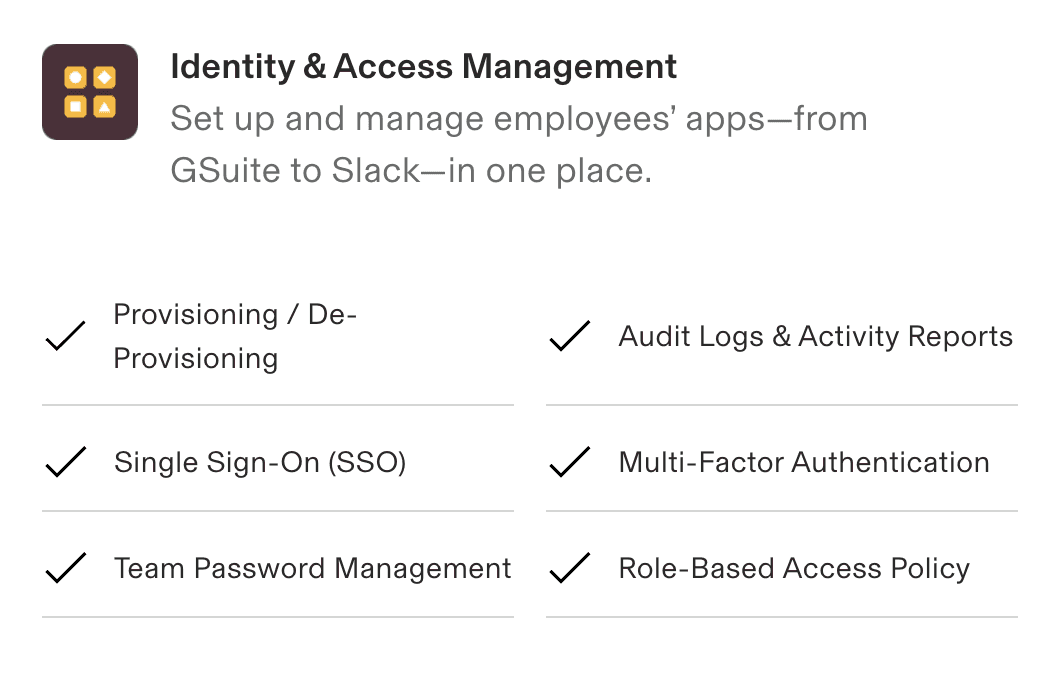
Specifically, we'll explore the true cost of using Rippling as an identity provider. It offers Single Sign On (SSO), multi-factor authentication (MFA), and user-lifecycle management.
We’ll also compare it to other existing solutions like Okta and Google Workspace, to help you determine whether it’s the best option for your organization.
Whether you’re using Rippling HRIS and looking to add app management, or you’re simply looking for the best identity and access management solution, this post is for you.
TL;DR
Rippling's IAM module requires a paid Rippling Unity (HRIS) subscription first, plus a $2,000 implementation fee, so there's no standalone IAM option.
The real budget killer is SSO Tax: for a 75-employee company using Slack, Jira, HubSpot, GitHub, and Figma, enterprise-tier upgrades to unlock SAML/SCIM add about $63,665 per year on top of Rippling itself.
Rippling's API is gated behind a separate add-on that typically runs around $10,000 per year, and there's no proof of concept — you have to buy the IAM product to test it.
A real IT admin running Rippling as HRIS told us the SCIM bridges only cover a small subset of their stack, so moving to Rippling IAM would push offboarding from seconds back to nearly an hour per employee.
Google Workspace + AccessOwl skips SAML/SCIM entirely, avoids SSO Tax, runs natively in Slack, and lands closer to $7,650 in year one for the same 75-employee scenario.
Decoding Rippling's pricing model
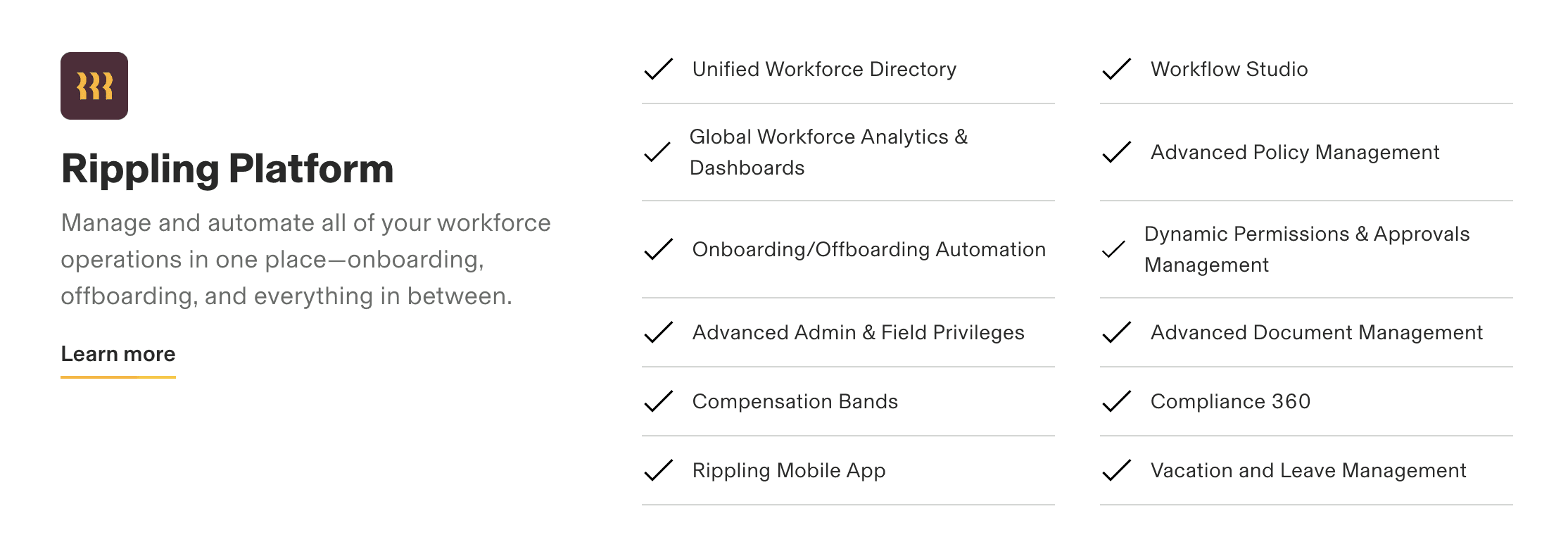
Before you can access any other Rippling feature, you’ll need to subscribe to Rippling Unity. That’s their HRIS tool, which also serves as the workforce directory. So, if you already have another HR management tool and you’re looking to add identity and access management, Rippling will not be ideal for you.
But let’s say you want the HRIS and SSO. Here's how much it will cost you.
Rippling Platform (HRIS): A $420 per year base cost + $6 per month per user.
App management (Identity and Access Management): Minimum $6 per month per user
Implementation fee: $2,000
So, for a company with 75 employees, the first-year cost would be $13,220, or $1,102 per month. This amounts to about $14.70 per employee per month. Rippling doesn't publish its pricing publicly, so these figures are based on quotes shared by buyers as of May 2026. You'll need to contact sales for your own quote, and your numbers may differ.
But, just a moment, we’re not done. Although Rippling isn't considered cheap, the subscription costs aren't the main issue. Rather, the problem is another hidden cost that most people only learn about after it’s too late.
SSO Tax: The hidden cost
Rippling uses SAML for SSO and SCIM for automated provisioning and deprovisioning.
Security Assertion Markup Language (SAML): This is the standard used to exchange authentication data between different systems. Consequently, once a user is authenticated on Rippling, they’ll be granted access to all the other relevant systems in your business.
System for Cross-domain Identity Management (SCIM):Another standard for communication between different systems. But instead of authentication information, it’s used to exchange identity information. It enables admins to create, maintain, and delete user accounts for all apps directly on Rippling, instead of accessing each app individually.
Unfortunately, most SaaS vendors provide the SAML and SCIM APIs only on their more expensive enterprise plans.
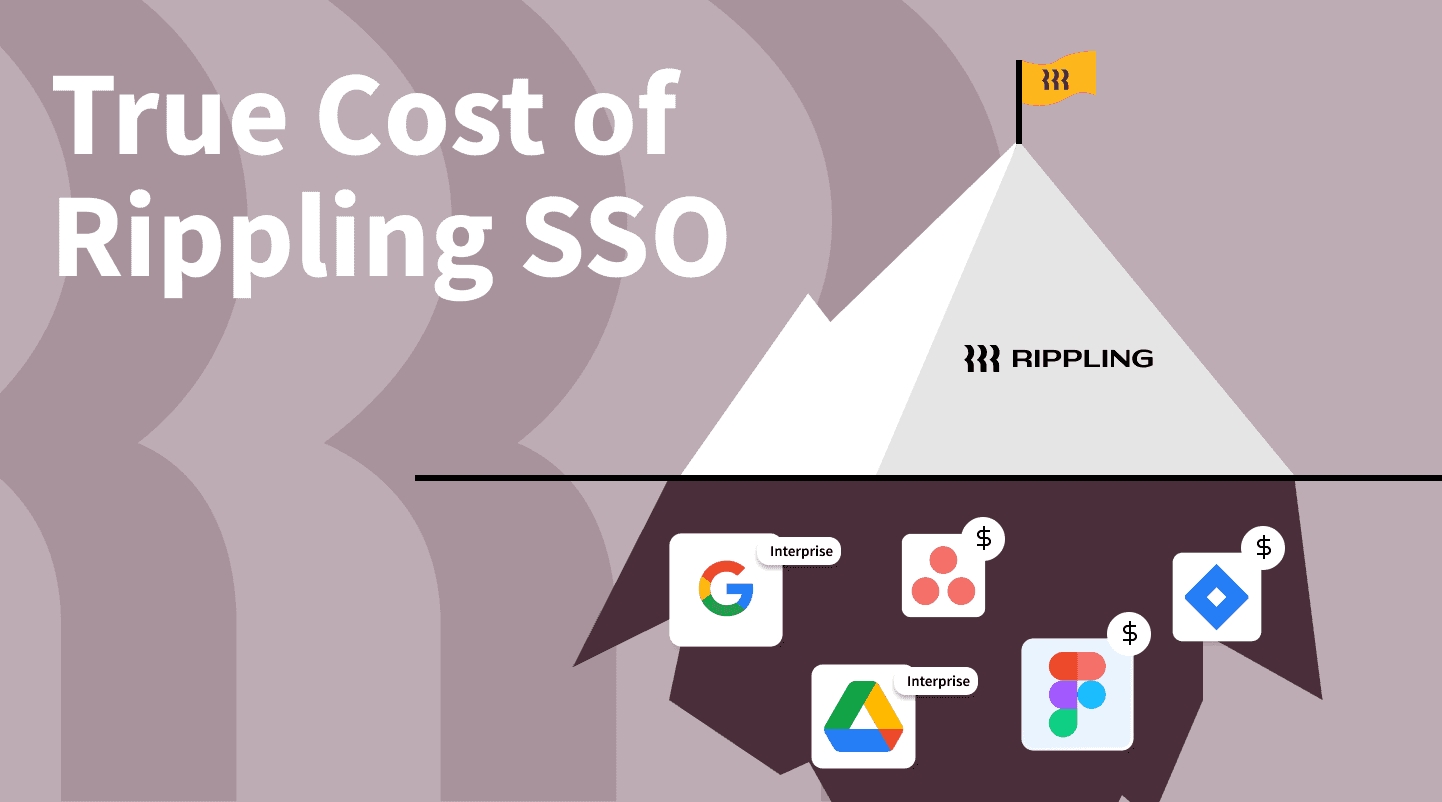
SSO Tax is the extra cost you incur to upgrade your license. Based on pricing data tracked by the SSOTax.org wall of shame, the markup can range from 15% to over 6,000%. The latter is on the extreme end, but it's not uncommon to see at least a 100% increase from the original price.
Let’s use the company with 75 employees again, to demonstrate how SSO Tax affects your SaaS budget. We’ll call this company BlueLine solutions.
The true cost of Rippling: A fictional case study
BlueLine is a startup with 75 employees. Some of the SaaS services in use at the company include Github, Jira, Hubspot, Slack, and Figma. How much will this company spend in a year to use Rippling for identity and app management?
SSO Tax cost
There’s a wall of shame dedicated to vendors that charge SSO Tax. You can check it out to see which of your SaaS providers are on it, and how much they charge. In the case of BlueLine, the cost is as follows:
SaaS tool | Base pricing (no SSO) | Enterprise pricing (with SSO) | Price increase | Users | Total annual increase |
|---|---|---|---|---|---|
Slack | $7.25/user/month | $12.50/user/month | $5.25/user/month | 75 | $4,725 |
Jira Cloud | $7.75/user/month | $11.75/user/month | $4.00/user/month | 75 | $3,600 |
HubSpot Marketing | $800/month | $3,600/month | $2,800/month | 20 | $33,600 |
GitHub | $3.67/user/month | $19.25/user/month | $15.58/user/month | 20 | $3,740 |
Figma | $45/month | $75/month | $30/user/month | 50 | $18,000 |
Total | $63,665 |
For all five SaaS apps, BlueLine will need to upgrade from the base plan to the enterprise plan to get SAML and SCIM support. HubSpot alone costs an extra $2,800 per month, which translates to $33,600 per year. Adding the Slack ($4,725), Jira ($3,600), GitHub ($3,740), and Figma ($18,000) upgrades from the table above brings the total annual spend increase to $63,665. Public list prices were checked against each vendor's pricing page in May 2026 and may shift over time.
The unfortunate part is that BlueLine doesn’t need all the other extra features bundled within the enterprise plan for each tool. They just want an easy way to manage identity and SaaS access, and it’s costing them an extra $63,665.
Now, add the $13,220 Rippling subscription cost we highlighted earlier, and the true cost of Rippling comes to $76,885. This is just a simple illustration using five commonly used SaaS tools. Industry surveys from BetterCloud and Productiv typically peg the SaaS app count for a startup of this size at roughly 40 to 100 apps.
Now, do you see how the SSO Tax can quickly get out of hand?
What a real customer told us about Rippling
The fictional numbers above match what real buyers see. Here's the version we heard from an IT administrator running a two-person IT team at a US-based fintech with 200+ employees. His company already uses Rippling as their HRIS, so adding Rippling's identity and access management module looked like the obvious next step on paper.
It wasn't.
"Access management is highly dependent on what level of subscription you have to specific tools, and it's only a very small subset of tools that we have for any kind of actual automation," he told us. Notion was the example he kept coming back to. His team uses Notion as the internal wiki. To get provisioning and deprovisioning through Rippling's SCIM bridge, they'd need to push Notion up to its enterprise plan. They don't need any other enterprise Notion features. They'd be paying purely to unlock the SCIM API.
His verdict on the upgrade math was blunt: "I don't want to have to spend even more than I'm spending now just to upgrade Slack or Notion or other tools, just so I can have an SCIM bridge or have automated provisioning and deprovisioning. There was no other value outside of those offerings, and it just didn't justify the means."
Multiply that decision across Slack, Jira, GitHub, Hubspot, Figma, and the rest of a typical 40-to-100-app stack, and the SSO Tax math we walked through above stops being hypothetical.
You have to buy Rippling to test it
Here's the other thing that came up in the interview. Rippling does not offer a proof of concept for its IAM module. If you want to see whether the access controls actually work for your stack, you have to buy the product first.
The same IT admin ran into this directly: "In testing, which they wouldn't give us a proof of concept, we had to buy it. Which blew my mind. The same concept with the access controls. We had to buy it to be able to test it, and I'm not a fan of that."
For a 2-person IT team trying to make a careful purchasing decision, that's a hard sell. You're committing budget and an implementation cycle before you can confirm whether the SCIM bridges work for your most-used SaaS apps, whether the alerting fits your workflow, or whether the automation actually covers the tools you care about.
It also sits oddly against Rippling's aggressive marketing. The free Nintendo Switch and AirPods giveaways aimed at booking demos signal where the money is going: top-of-funnel acquisition. But the buying experience itself asks you to take a leap of faith.
The Rippling API costs another $10,000 to unlock
Here's another gotcha most IT admins don't catch until after they've signed. Rippling's API is not included on the standard plan. To get programmatic access to your own HRIS and IT data, you have to buy a separate API add-on that typically runs around $10,000 per year on top of everything else.
For modern organizations that want to connect their HRIS to identity tooling, ticketing, finance systems, or internal automations, that is a real problem. The whole point of an HRIS-as-source-of-truth model is that other systems can read employee data from it. Locking the API behind a five-figure upsell undercuts that.
We see this constantly when we work with customers running Rippling as their HRIS who want to connect it to AccessOwl. They expect a standard API integration and instead find out they need to negotiate another contract line item just to let their own systems talk to each other. It is one of the more common surprises in Rippling deployments, and it stacks on top of the SSO Tax and the mandatory HRIS base subscription we covered earlier.
The hidden time cost: minutes become hours
Subscription line items and SSO Tax are the easy numbers to point at. The harder number to see on a spreadsheet is the time your IT team loses when automation falls back to manual work.
The same IT admin gave us a concrete before-and-after. By his own estimate, his team has 80 to 90 percent of their core access tools wired up for automated onboarding and offboarding with AccessOwl. An offboarding run takes seconds. If they moved that same workflow to Rippling and lost the SCIM bridges they couldn't cost-justify upgrading, offboarding would go back to nearly an hour per departing employee.
"An offboarding process in AccessOwl is seconds. In Rippling, it's going to be back to almost an hour. That's an hour of my time or my direct report's time that we could be using to solve something else. Time is money. Money is time."
For a two-person IT team supporting 200+ employees, that hour adds up fast. Every offboarding, every role change, every contractor wrap-up turns into a manual checklist across Notion, Slack, GitHub, and whatever else didn't make the SCIM cut. The alerting story makes it worse: Rippling pushes notifications through email or its own app, so a Slack-first team has to babysit a second inbox to catch what needs doing.
Rippling vs Okta
How does Rippling compare with Okta?
Both tools cover the basic features of identity and access management: SSO, MFA, and automated user provisioning and deprovisioning. On top of that, Rippling bundles a password manager and device-management capabilities. You can use it for zero-touch software installation on employee devices and for remote patching. Okta keeps its scope narrower to IAM but goes deeper there, offering granular SSO controls like location-based access policies and adaptive MFA.
The pricing models differ as well. Rippling requires you to subscribe to its HRIS (Rippling Unity) before you can buy the IAM module, so there is a mandatory base cost even if all you want is identity management. Okta sells its IAM product standalone, with workforce SSO starting around $2 per user per month and per-feature add-ons stacking on top (MFA, lifecycle management, identity governance). For a 75-employee company, Okta's core IAM stack typically lands in the $15,000-$20,000 range per year before SSO Tax, while Rippling's HRIS plus IAM bundle comes in around $13,000 for year one, with the tradeoff that you're locked into the HRIS.
Integration breadth is differs starkly. Okta's network lists 7,000+ pre-built integrations; Rippling advertises 600+. In practice, the more relevant number is how many of those integrations expose SCIM provisioning on plans you can afford, which is where both tools run into the SSO Tax problem. If you're evaluating Okta Identity Governance as part of a broader IAM stack, the same SCIM and enterprise-tier constraints apply.
Deployment effort also looks different. Rippling charges a $2,000 implementation fee and ties IAM rollout to its HRIS onboarding. Okta deployments vary, but mid-market rollouts commonly require a partner or dedicated admin time to configure SAML connections, SCIM bridges, and policy rules app by app.
Still, both Rippling and Okta share the same major downside: SSO Tax. You can check out our post on the true cost of Okta for a deeper breakdown.
What if there were another option that offers the full identity and access management features, but without the complex and costly SAML and SCIM API configuration?
An alternative solution: Google Workspace + AccessOwl
Google Workspace is a strong identity provider. It offers Google SSO through the widely supported Sign-in with Google option, and MFA is free.
What it lacks is role-based access control and automated provisioning/deprovisioning for third-party SaaS apps beyond the Google ecosystem. This is why most businesses start looking at alternatives after they have reached a certain stage, such as growing past 50 employees or closing a Series A.
However, combining Google Workspace and AccessOwl can be a better and cheaper alternative than switching to a dedicated IAM solution. Google will remain as your identity provider, while AccessOwl takes care of SaaS access and user-lifecycle management.
The best part is it doesn't rely on SAML or SCIM. So no SSO Tax, and no thousands of dollars in implementation costs. The tool supports over 400 out-of-the-box integrations, including HRIS tools like Rippling, Bamboo, Personio, and Workday.
It also fits how modern IT teams actually work. AccessOwl runs access requests, approvals, and offboarding alerts natively in Slack, so a Slack-heavy team never has to babysit a second email inbox or log into a separate console to keep up with provisioning work. That is the exact friction the Rippling customer above called out.
AccessOwl also tracks and documents access requests, approvals, and permission levels for every connected app across your organization. That makes it a strong fit for compliance adherence. You can also use it to scan for Shadow IT, free of charge.
Side-by-side comparison: Rippling vs Okta vs Google Workspace + AccessOwl
Here's how the three options stack up for the 75-employee BlueLine example:
Factor | Rippling IT | Okta | Google Workspace + AccessOwl |
|---|---|---|---|
Identity provider | Rippling Unity (HRIS required) | Okta | |
Auth standard for SaaS apps | SAML + SCIM | SAML + SCIM | Google SAML + OIDC (No SAML/SCIM dependency) |
SSO Tax exposure | Yes, enterprise upgrades required | Yes, enterprise upgrades required | None |
Implementation fee | $2,000 | Varies | None |
Mandatory base subscription | Rippling Unity HRIS | Okta + Okta Identity Governance | Google Workspace |
Slack-native workflows | No (email + in-app) | Limited | Yes (requests, approvals, offboarding alerts) |
Trial Period available | No — buy to test | Yes | Yes |
Year-one cost (75 employees, SSO Tax included) | Core Tool $13,220 + ~$63,665 Enterprise Upgrades | Core Tool $15,300 + ~$63,665 Enterprise Upgrades | Core Tool $7,650 includes provisioning across all SaaS apps |
AccessOwl pricing
AccessOwl publishes two plans: Basic and Growth. Both are billed per user with a monthly minimum, and the current rates live on the official pricing page.
Basic: Access requests and approvals, on- and offboarding workflows, onboarding templates, and vendor management.
Growth: Everything in Basic, plus Shadow IT detection, 70+ HRIS integrations, and access reviews.
There is no implementation fee, no Rippling Unity-style mandatory base tool to subscribe to first, and no SSO Tax, because AccessOwl doesn't depend on SAML or SCIM. Compare that to the $2,000 implementation fee on top of the $13,220 Rippling subscription we walked through earlier.
For the 75-employee BlueLine example, the true cost of Rippling came in at $76,885 for year one once SSO Tax was included. The same company running Google Workspace plus AccessOwl on the Growth plan lands closer to $7,650 for year one all-in. That's a difference of roughly $70,000.