
What Okta Actually Does for a Series A Company
Before forming an opinion on whether Okta fits your stage, it helps to understand what you're actually buying. Okta Workforce Identity Cloud is the product relevant here, and it does three things that matter at the Series A level:
TLDR:
Most Series A companies already have SSO through Google Workspace or Microsoft Entra.
Okta automates provisioning only when apps support SCIM, often locked behind pricey tiers.
Real annual cost for 75 employees often hits $10K-$30K+ including required SaaS upgrades.
AccessOwl automates provisioning across 500+ apps without requiring SCIM or plan upgrades.
Single Sign-On (SSO)
SSO lets your employees log into multiple SaaS apps with one set of credentials. It's the feature most people think of when they hear "Okta." But here's the thing: if your company runs on Google Workspace or Microsoft Entra, you already have SSO. Both of those identity providers support SAML and OIDC, which means your team can sign into most apps with their Google or Microsoft account today, at no extra cost.
Okta's SSO becomes more useful when you have apps that don't integrate well with Google or Microsoft, or when you need deeper policy controls like adaptive MFA based on device posture or network location. At a 30-person Series A company, those edge cases are rare.
Lifecycle Management (Provisioning and Deprovisioning)
This is where Okta's real value lives for growing companies. Lifecycle management means automatically creating accounts when someone joins, adjusting permissions when they change roles, and revoking access when they leave. It's the automation layer that saves IT teams hours of manual work and closes security gaps from orphaned accounts.
There's a catch, though. Okta's lifecycle management only works when your SaaS apps connect to Okta via SCIM, a protocol for syncing user data between systems. Many SaaS vendors lock SCIM support behind their highest pricing tiers. So the cost of getting provisioning automation from Okta goes well beyond Okta's license fee. You also need to budget for upgrading a dozen or more SaaS apps to plans that support SCIM. For a lean Series A company, those upgrade costs always exceed what you're paying for Okta itself.
Universal Directory and Access Policies
Okta gives you a centralized directory where you can manage user identities, group assignments, and access policies across all connected apps. You can set rules like "contractors can only access these five apps" or "engineers in the EU get a different MFA flow." It's a powerful governance layer, especially as headcount grows and role complexity increases.
At the Series A stage, most companies have a flat org structure with a handful of roles. The policy engine Okta provides is built for organizations where access decisions vary meaningfully by department, geography, or employment type. If your team is 40 people in two time zones, a spreadsheet and some Google Groups might cover 90% of what Okta's directory would do for you.
Where the Confusion Happens
Most founders and first-time IT hires buy Okta thinking they're buying automation. In practice, SSO alone automates nothing about how accounts get created or removed. The identity provider you already have (Google Workspace or Microsoft Entra) already handles authentication. Automation only kicks in when your SaaS apps connect directly to Okta's lifecycle management features, and that requires SCIM support from each app.
The distinction matters: you're buying authentication (SSO) when what you actually need is provisioning automation (authorization and lifecycle management). If you conflate those two, you'll spend $10,000+ annually on Okta and still find yourself manually creating Jira accounts and chasing down offboarding checklists in Slack.
Okta is a well-built product that solves real problems. The question is whether those problems are your problems right now, or whether they become your problems at 150 employees when the cost and complexity make more sense.
Where Okta Fits (and Where It Stops) in a Series A Company Stack
Even after Okta is live, the line between "what Okta handles" and "what you still do by hand" is blurrier than most IT managers expect. Understanding that boundary before you commit saves you from a rude surprise three months into deployment.
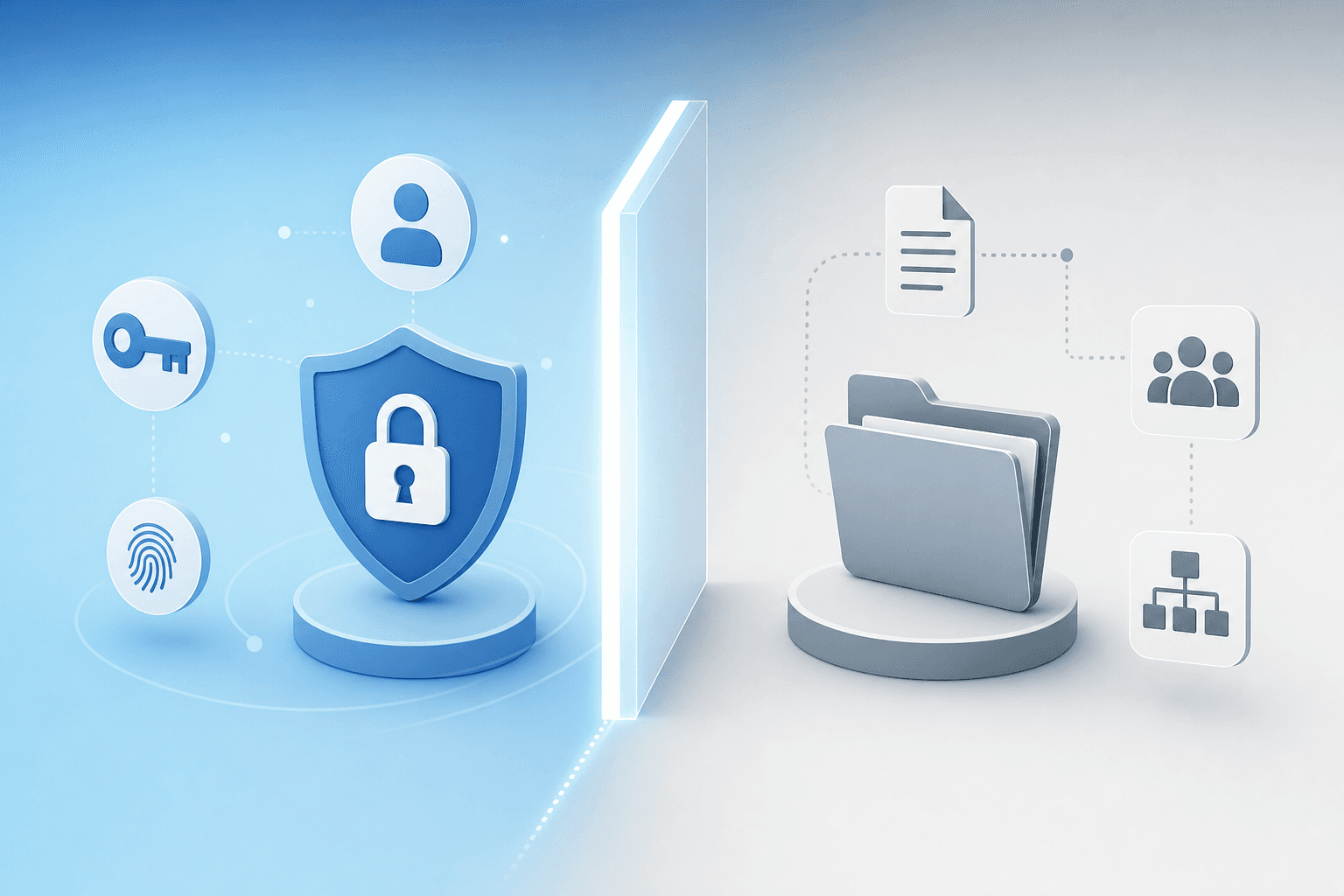
Where Okta Authentication Ends and Access Management Begins
Authentication answers the question "Is this person who they say they are?" Access management answers a different question: "What exactly should this person be able to do inside each app?" Okta Workforce Identity handles the first question well. The second? That's where things get messy.
Consider a new engineer joining your team. Okta can authenticate them into Jira, but it won't set up their project access, permissions, or role assignments within the tool. The same goes for AWS, where logging in is a fraction of the setup compared to attaching the correct IAM policies. For most SaaS apps, getting someone through the front door is the easy part. The real work is everything that happens after login: role assignments, workspace access, channel memberships, resource permissions.
Offboarding has a similar gap. Okta can revoke SSO tokens, which blocks login. But if an app stores its own session tokens or API keys, revoking Okta access doesn't necessarily close every door. Partial offboarding is a common outcome where the user can't log in through Okta, but their account and data still exist inside the app. For compliance frameworks like SOC 2 and ISO 27001, an active account is an active account regardless of whether SSO works.
Governance workflows like access reviews and approval chains are another blind spot. Okta Workforce Identity Cloud doesn't ship with a built-in access review process that satisfies auditors out of the box. You'll still need to pull user lists from individual apps, compare them against your HR system, and document remediation steps. If you're running quarterly access reviews for SOC 2, that's a manual lift Okta won't absorb.
The SCIM and SAML Coverage Gap
The gap between what Okta can automate and what still requires human effort comes down to how each app integrates. Apps with both SCIM and SAML let Okta create user accounts, assign groups, and handle SSO, but you still manage granular permissions, role assignments, and resource access manually. Apps with SAML alone give you SSO login while all provisioning, deprovisioning, and permission management stays manual. Apps with API access offer potential for Okta Workflows automation, but that requires custom workflow development and ongoing maintenance. Apps without any integration leave you doing full manual provisioning, access requests, and offboarding.
On paper, SCIM supports hundreds of applications. In reality, as one analysis from Zluri noted, SCIM handles roughly 10% of the actual provisioning work while someone still does the remaining 90% by hand. And that 10% assumes you're paying for the SaaS tier that includes SCIM in the first place.
A typical Series A company runs 30 to 60 SaaS apps. Of those, maybe five or six support SCIM at your current pricing tier. The rest fall into the SAML-only or no-integration buckets, which means you're still manually creating accounts, assigning roles, and chasing tool owners during offboarding for the vast majority of your stack. Okta gives you a clean authentication layer across those apps, but the provisioning and governance work that actually eats your time? That stays on your plate.
If you're an IT manager considering Okta at the Series A stage, the honest question isn't "Can Okta do this?" It's "Can Okta do this with the apps I have, at the pricing tiers I'm on, without me building custom workflows to fill the gaps?"
The Real Cost of Running Okta at Series A Company Scale
Let's talk numbers, because the sticker price on an Okta Workforce Identity contract rarely tells the full story for a Series A company.
Okta's published pricing starts at $2 per user per month for Single Sign-On and $3 per user per month for Adaptive MFA. At a 75-person company, that looks like roughly $150 to $225 per month before you factor in anything else. Sounds manageable, right?
The problem is that SSO licensing from Okta is only one line item in a much longer receipt.
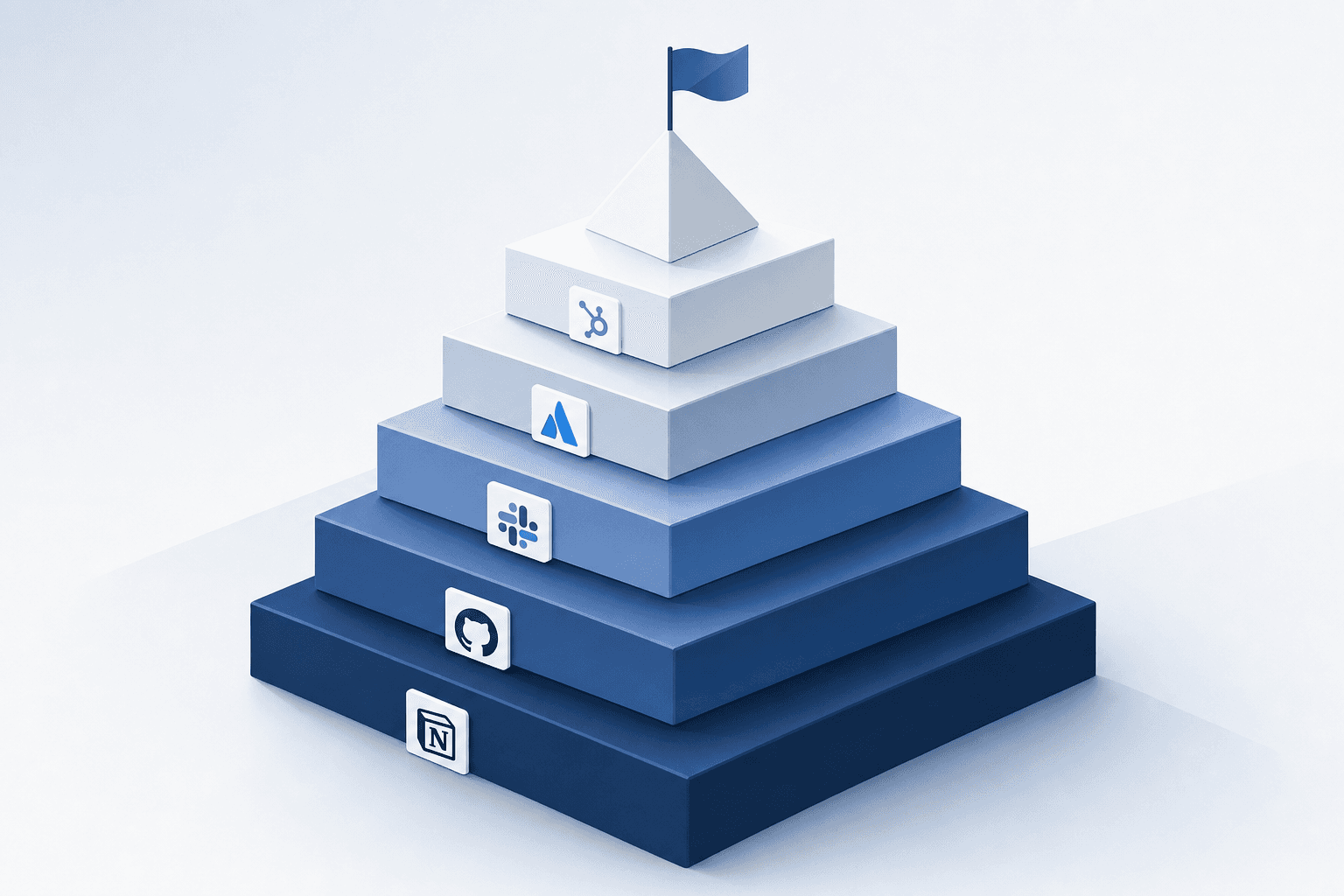
The Hidden Costs Most Series A Teams Miss
Most of your SaaS vendors gate SAML SSO behind their higher pricing tiers. Slack, Notion, Zoom, Figma, and dozens of other tools your team relies on daily will require plan upgrades before they can connect to any identity provider through SAML or OIDC. Industry data from organizations tracking SaaS pricing shows this markup is often referred to as the "SSO tax," and it can add thousands of dollars per year across your stack.
Here's what the real cost picture tends to look like for a 75-person Series A company:
Cost Category | Estimated Annual Range |
|---|---|
Okta Workforce Identity licenses (SSO + MFA) | $1,800 to $5,400 |
SaaS plan upgrades to unlock SAML SSO | $5,000 to $25,000+ |
Implementation and configuration time | 40 to 80 hours of IT staff time |
Ongoing maintenance and user lifecycle mgmt | 5 to 10 hours per month |
Training and change management | 10 to 20 hours upfront |
When you add those SaaS upgrade costs to the Okta subscription itself, many Series A companies find themselves spending $10,000 to $30,000+ annually just to get SSO working across their core apps. And that number climbs as headcount grows and new tools get added.
The Time Tax Is Just as Real
Beyond direct costs, there's the time you'll spend as the first (and probably only) IT hire. Standing up Okta Workforce Identity across 30 to 50 SaaS apps is not a weekend project. You're looking at weeks of configuration, testing, and troubleshooting SAML assertions. Every app has its own quirks. Some documentation is outdated. Some vendors require back-and-forth with their support teams to get SSO provisioned on their end.
Then there's the ongoing work. Every new app your engineering or product team adopts needs to be integrated. Every employee onboarding or offboarding event needs attention. Okta gives you the framework to centralize authentication, but the labor of connecting everything and keeping it running still falls on you.
Where Okta Makes Sense (And Where It Doesn't)
For companies with 300+ employees, dedicated IT teams, and compliance requirements that demand centralized identity governance, Okta Workforce Identity is often the right call. The investment pays off when you have the headcount, budget, and internal expertise to put it fully into practice.
At Series A scale, though, the math often doesn't work. You're spending a substantial chunk of your IT budget on authentication infrastructure when your Google Workspace or Microsoft Entra tenant already handles SSO for most of your stack. The gap you're actually trying to close is usually around provisioning and deprovisioning automation, not authentication. Buying Okta to solve that problem is like buying a commercial kitchen when what you needed was a better recipe.
The question worth asking before signing an Okta contract: "Is authentication actually the bottleneck, or is it the manual work of managing user access across dozens of apps?" If it's the latter, the answer might not be another identity provider at all.
What a Series A Company Actually Needs from Identity and Access Management
If you're the first IT hire at a Series A company, your job description probably doesn't include "identity architect." What you need is simpler than that: a clear picture of who has access to what, and the ability to act on it quickly. The real pressure isn't choosing between identity providers. It's reducing the manual work that slows onboarding, creates offboarding risk, and threatens your next audit.
The Onboarding and Offboarding Reality
Every new hire needs accounts in 10 to 20 SaaS tools on day one. The faster that happens, the faster they're productive. In practice, most Series A IT managers spend the days before a start date manually creating accounts, setting permissions, and sending credential emails one app at a time.
Offboarding is the riskier side. When someone leaves, every account needs to be revoked across every tool, including apps that were never formally approved. Miss one, and you've got an orphaned account sitting out there with live credentials. For SOC 2 and similar compliance frameworks, that kind of gap is exactly what auditors flag.
What "Good Enough" Identity Looks Like at This Stage
Most Series A companies already have an identity provider in place. If you're running Google Workspace or Microsoft Entra for SSO for a large chunk of your stack. You already have a directory. You already have MFA. The question isn't whether you have an IdP. It's whether you have automation around the IdP you already own.
Here's a practical breakdown of what a Series A IT team typically needs:
Centralized visibility into every SaaS account tied to your organization, including shadow IT that employees signed up for without asking anyone
Automated provisioning so new hires get the right access on their first day without you manually clicking through a dozen admin consoles
Automated deprovisioning that revokes access the moment someone exits, across every connected app, including the ones you forget
License tracking that tells you how many seats you're actually using versus how many you're paying for, especially as budgets tighten after a funding round
Audit readiness without scrambling, meaning access reviews and logs are available on demand instead of reconstructed from memory and spreadsheets
None of these requirements call for a new identity provider. They call for an automation layer that sits on top of the identity provider you already have.
Where the Confusion Starts
The gap between "we need better access management" and "we need Okta" is where a lot of Series A companies take a wrong turn. The instinct makes sense. Okta is the name everyone knows in identity. But the problem you're solving at 50 to 150 employees is rarely an authentication problem. Google Workspace and Microsoft Entra handle authentication well at this scale.
What you're actually dealing with is an authorization and lifecycle problem. Who should have access to what, when should that access start, and when should it stop? That's provisioning automation, and SSO alone doesn't solve it. SSO gives you a single front door. It doesn't tell you which rooms each person should be in, and it doesn't lock the doors behind them when they leave.
The distinction matters because it changes what you should be shopping for. If you conflate authentication with automation, you'll end up paying for an enterprise identity provider and still doing manual provisioning in a spreadsheet.
Where AccessOwl Fills the Gap for a Series A Company
The previous sections outlined what's missing from an Okta-only approach at the Series A stage. Here's where AccessOwl comes in, and why the problem it solves is different from what an identity provider is built for.
Provisioning Without the Enterprise Plan Requirement
The biggest friction point we hear from Series A IT managers is this: "I can't automate provisioning because half my apps don't support SCIM at my pricing tier." AccessOwl was built directly around that constraint.
Instead of relying on SCIM or SAML connections, AccessOwl integrates with close to 500 SaaS applications using a mix of service accounts, RPA, private APIs, and direct automation. Think of it as the approach Plaid took with banking APIs, applied to SaaS provisioning. If your team uses Jira, Zoom, Google Workspace, or AWS, AccessOwl can create and remove accounts in those tools without you needing to upgrade a single SaaS plan to an enterprise tier.
When a new hire joins, AccessOwl provisions their accounts based on role templates you define once. When someone leaves, it revokes access across every connected app, including ones where SCIM was never an option. The 30 minutes you'd spend per access request, onboarding event, or offboarding task? That time goes back to you.
Access Governance for Mixed SaaS Environments
A Series A company's SaaS stack is messy by nature. You have managed apps, apps someone signed up for with their Google account last Tuesday, and tools that live in a gray area nobody owns. AccessOwl handles all three.
It connects to your identity provider (Google Workspace or Microsoft Entra) and reads OAuth logs to surface shadow IT, meaning every app your employees authenticated into via "Sign in with Google." Those apps get folded into your offboarding workflows automatically. No more wondering whether the departing designer still has access to that Loom account with sensitive product demos.
For access reviews, which SOC 2 and ISO 27001 auditors will ask about, AccessOwl automates the entire cycle. Reviewers get notified, approve or revoke access in minutes, and the audit trail generates itself. Compare that to the spreadsheet approach most Series A teams cobble together, where reviews take weeks and remediation happens even later.
Slack-Native Workflows for Lean IT Teams
You don't have time for a six-week deployment project. AccessOwl deploys in minutes through a Slack app install. No infrastructure to stand up, no agents on endpoints, and no migration off your current identity provider.
Access requests happen in Slack. Approvals happen in Slack. Onboarding notifications, offboarding task assignments, review reminders: all in Slack. Your team is already there, so the adoption curve is flat.
For a single IT hire juggling security, compliance, vendor management, and help desk tickets, that matters. AccessOwl doesn't ask you to become an identity architect. It gives you the automation layer that actually closes the gap between "we have SSO" and "we have access management under control."
When Okta Alone Is Enough and When It Is Not for a Series A Company
Not every company is in the same spot, even among Series A startups. The right answer depends on where your specific pain is, and being honest about that saves you both money and months of misaligned tooling.
When Okta Is the Right Choice
If your actual bottleneck is authentication controls, Okta Workforce Identity earns its place. Maybe you need device trust policies because your team is fully remote across a dozen countries. Maybe your security team (or your customers' security questionnaires) requires adaptive MFA beyond Google or Microsoft natively. Or perhaps you're operating in a multi-IdP environment where consolidating identity under one roof genuinely reduces risk.
Okta also makes sense when your company has the infrastructure to support it. That means a dedicated IT team (not a single hire wearing five hats), enterprise-tier SaaS plans that actually unlock SCIM provisioning, and the budget to absorb both the Okta contract and the surrounding costs. At that point, the investment pays for itself through centralized policy enforcement and tighter authentication controls.
When Okta Is Premature or Incomplete
If you're below 150 employees, running Google Workspace or Microsoft Entra as your primary IdP, and your pain is around onboarding speed, offboarding completeness, or audit prep, Okta is solving a problem you don't have yet while leaving the problem you do have untouched. Authentication isn't the gap. Automation is.
The tell is straightforward: if you're spending your week manually provisioning accounts, chasing tool owners to revoke access, or stitching together access review evidence from screenshots and spreadsheets, another identity provider won't fix that. You need an access automation and governance layer, which is a different category of tool entirely.
Here's how the decision maps out across common Series A scenarios:
Scenario | Okta Alone | AccessOwl Alone | Both Tools |
|---|---|---|---|
20 to 50 employees, Google or Microsoft, no SOC 2 yet | Too early | Strong fit | Unnecessary |
50 to 150 employees, mixed IdP, preparing for SOC 2 | Partial solution | Strong fit | Consider both |
100+ employees, enterprise plan coverage, strong IT team | Viable option | Complementary | Strongest combination |
Advanced authentication controls required | Strong fit | Not applicable | Use Okta for authentication |
The two tools aren't mutually exclusive. Okta handles authentication; AccessOwl handles the practical access automation and governance that authentication alone can't deliver. For companies that genuinely need both, they layer cleanly. AccessOwl already integrates with Okta as an identity source, so adding one doesn't mean ripping out the other.
The honest framework is simple: buy Okta when authentication is the problem, buy AccessOwl when automation and governance are the problem, and buy both when your company has grown into needing both. Most Series A companies haven't grown into the first yet.
The Bottom Line for Series A Company IT Managers
If you've read this far, the pattern should be clear. Most Series A companies don't have an authentication problem. They have an access operations problem, and those are different things with different solutions.
You're likely the only person at your company responsible for IT. Maybe you're the first dedicated hire, or maybe you're a CTO or Head of Engineering who inherited access management by default. Either way, your calendar doesn't have room for a multi-month identity provider rollout. What you need are tools that cut the manual work right now: fewer hours spent creating accounts, fewer Slack messages chasing approvals, fewer late-night offboarding scrambles when someone resigns on a Friday.
That's the gap AccessOwl was built for. Faster onboarding through role-based templates that provision accounts across your actual SaaS stack on day one. Offboarding that catches every app, including the shadow IT nobody formally approved. Audit-ready access reviews that generate their own evidence trail instead of requiring you to reconstruct one from memory. And all of it deployed through a Slack install, not a six-week project plan.
If authentication genuinely is your bottleneck, meaning you need adaptive MFA, device trust policies, or centralized identity across multiple identity providers, Okta Workforce Identity is a fair choice. But most Series A buyers figure out too late that they bought authentication when they needed automation. By then, the contract is signed, the SaaS upgrades are paid for, and the provisioning work is still manual.
The Decision Framework for Series A IT Leaders
Before you commit to any tool, run through these questions:
Is your team under 150 people and operating on a single identity provider like Google Workspace or Microsoft Entra? If yes, you already have SSO. You don't need another IdP.
Are you spending hours each week on manual provisioning, deprovisioning, or access requests? That's an automation problem, not an authentication problem.
Are you preparing for SOC 2 or ISO 27001 and dreading the access review process? You need governance workflows, not another login layer.
Do you have a dedicated IT team that can absorb a months-long Okta rollout? If you're the only IT person, that timeline works against you.
The cost comparison sharpens the point. At 100 employees, AccessOwl runs about $10,200 annually. A mid-market Okta deployment at $17+ per user per month, before you factor in the SSO tax from upgrading your SaaS plans, always lands in the 6-digits. For a Series A budget, the difference is material.
This doesn't mean you'll never need Okta. Companies grow. Complexity increases. At some point, centralized authentication infrastructure may become the right investment. But buying it before you need it, while the access automation gap stays wide open, is one of the most common missteps Series A IT leaders make.
Start where the pain actually is. For most companies at this stage, that's access management and governance, not enterprise identity infrastructure. You can always add Okta later. You can't get back the year you spent building around a tool that wasn't solving your real problem.
FAQ
Can I build automated provisioning without upgrading all my SaaS apps to enterprise plans?
Yes. Tools like AccessOwl automate provisioning across close to 500 SaaS apps using service accounts, RPA, and direct APIs, bypassing the need for SCIM support entirely. This approach works with your current SaaS pricing tiers, avoiding the "SSO tax" that forces expensive plan upgrades just to unlock basic lifecycle automation.
Okta Workforce Identity vs just using Google Workspace for SSO?
Google Workspace already provides SSO for most SaaS apps through SAML and OIDC at no extra cost. Okta Workforce Identity adds value when you need advanced policy controls like adaptive MFA based on device posture, multi-IdP environments, or deeper lifecycle automation across apps with SCIM support. For a 50-person Series A company on Google Workspace, the authentication gap Okta fills is usually small.
What's the actual total cost of implementing Okta at a 75-person company?
Expect $10,000 to $30,000+ annually when you include Okta licenses ($1,800 to $5,400), SaaS plan upgrades to unlock SAML SSO ($5,000 to $25,000+), and 40 to 80 hours of implementation time. The Okta subscription is just one line item; the bigger cost comes from upgrading tools like Slack, Notion, and Zoom to pricing tiers that support SAML.
How long does a typical employee offboarding take without automation?
Manual offboarding at a Series A company takes 30+ minutes per employee when you're revoking access across 10 to 20 SaaS apps individually. The bigger risk is missing apps entirely, especially shadow IT that was never formally approved, leaving orphaned accounts with live credentials that auditors will flag during SOC 2 reviews.
When does it make sense to buy Okta at the Series A stage?
Okta makes sense when your bottleneck is authentication controls instead of provisioning automation. If you need device trust policies, adaptive MFA beyond what your current IdP offers, or you're managing multiple identity providers, Okta Workforce Identity earns its cost. Below 150 employees on Google Workspace or Microsoft Entra, most companies find they're buying authentication infrastructure when what they actually need is access management automation.